
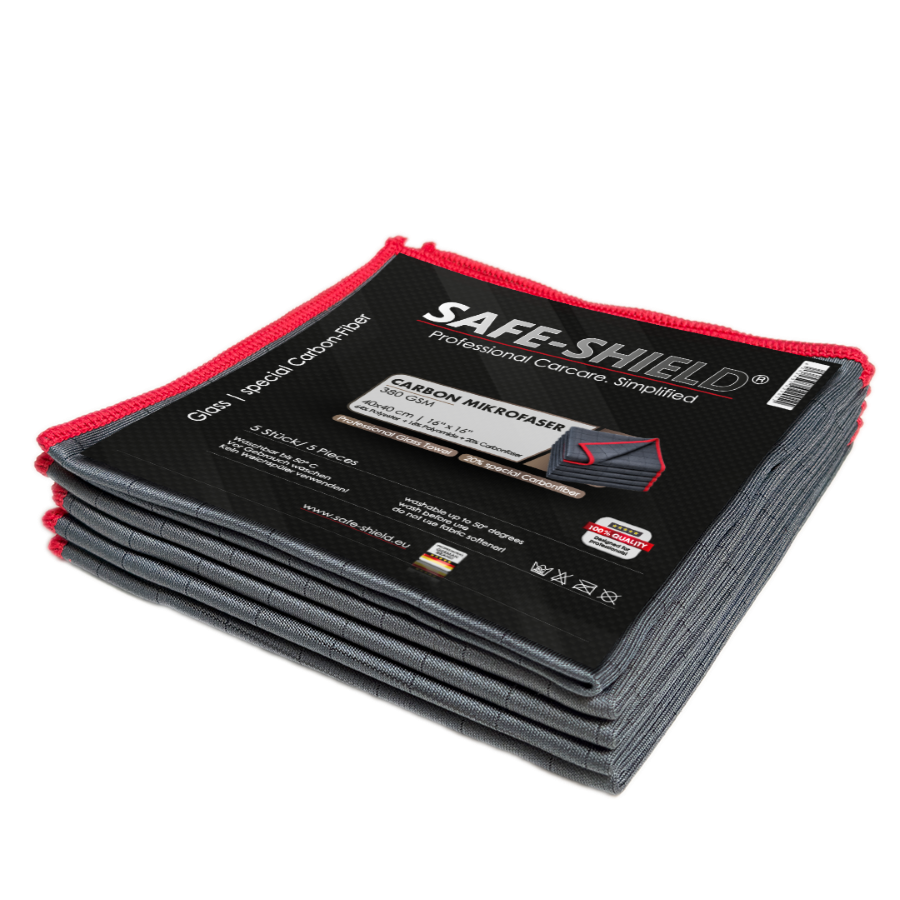
Clean a car display with a clean, soft microfibre towel and very little pressure. Start dry wherever possible. If fingerprints remain, lightly dampen the towel only if the vehicle manufacturer allows it. Do not spray anything directly onto the screen or automatically use the glass cleaner from your window-cleaning routine.
What do you actually need?
A dedicated, clean towel is enough for most routine cleaning. It must contain no sand, dried cleaner or polish residue. Do not use towels previously used on paint, wheels or for coating wipe-off. Even a high-quality towel becomes a risk with trapped particles.
Our Carbon microfibre towel can be used on compatible displays, subject to the manufacturer’s instructions and a careful preliminary test. This is not a blanket approval for every touchscreen. If your manufacturer specifies a particular towel, follow that requirement.
Removing fingerprints
- Park the vehicle: Do not clean while driving. Switch off the screen or use its designated cleaning mode. A dark screen also makes fingerprints easier to see.
- Loosen dust first: Gently remove loose particles without pressing them across the surface. A clean, soft brush can help around the frame and gaps; follow the manufacturer’s instructions for the screen itself.
- Start dry: Pass a clean section of the towel over the display with very light contact. Do not spend minutes rubbing greasy residue with increasing pressure.
- Lightly dampen if needed: If permitted, apply a little water to the towel. It should be slightly damp, not dripping. Use an approved specialist cleaner with the same restraint.
- Remove residue: Gently finish with a clean, dry section of the towel. Do not push liquid into edges, buttons or ports.
- Inspect the result: Look from different angles. If a spot remains unchanged, do not automatically rub harder.
Which cleaners are unsuitable as a default choice?
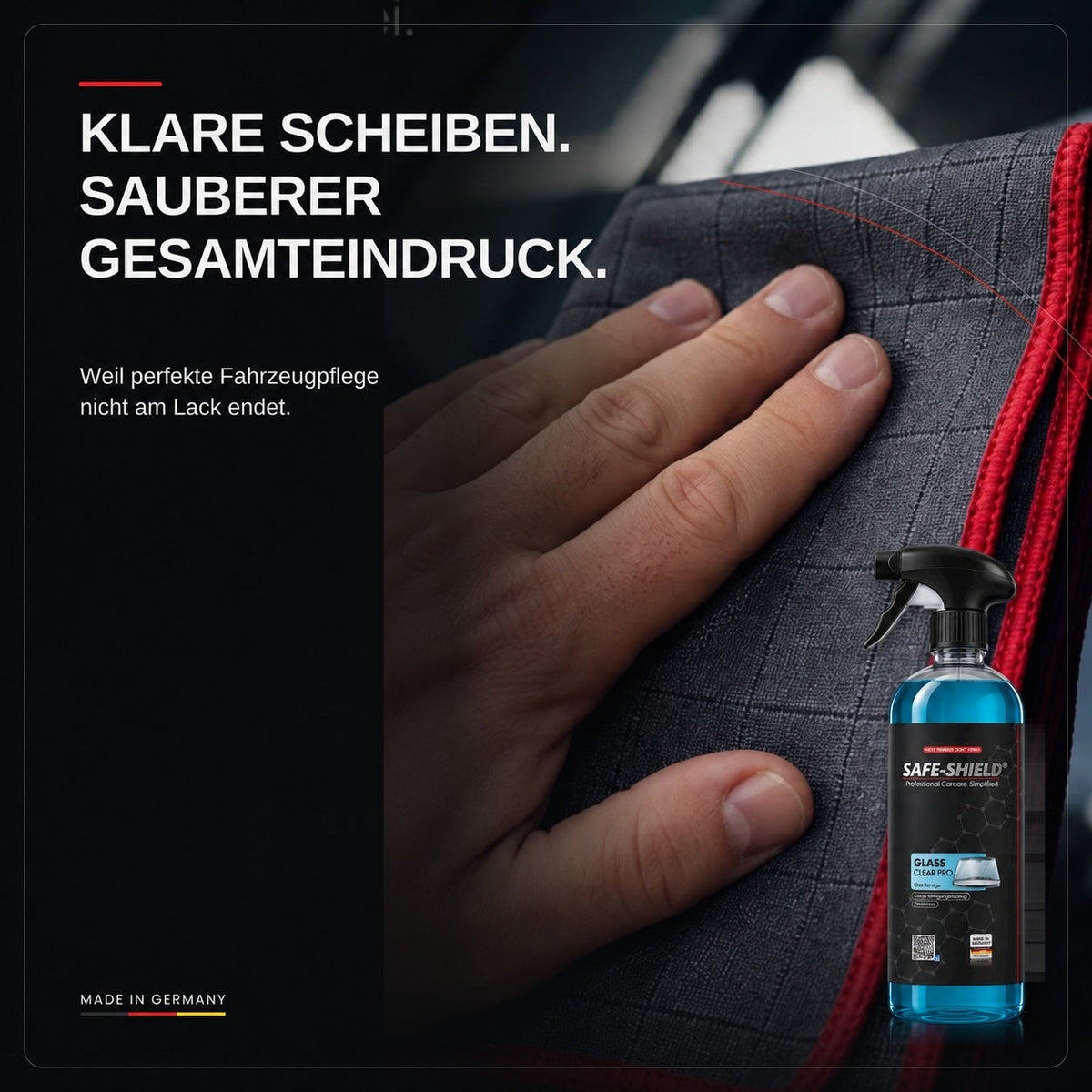
Glass cleaners, degreasers and alcohol-based household remedies may be unsuitable for a display. Even an isopropanol-free glass cleaner is not automatically display-safe. Our Glas Reiniger Pro is intended for actual vehicle glass; we do not give it blanket approval for car displays.
Abrasive cleaners, melamine cleaning sponges, scrub pads and paint polish do not belong on the screen either. A fingerprint can be cleaned off. A damaged anti-glare coating cannot be repaired this way.
Why does the display still look patchy after wiping?
Common causes include excess moisture, a contaminated towel or remaining skin oils. Switch to a fresh section of towel first. An approved, lightly damp clean is then more sensible than vigorous dry rubbing.
If cloudy patches or fine marks remain after gentle cleaning, they may be related to the coating or damage. Inspect the surface with the screen switched off and under good lighting. Have noticeable changes assessed before trying further products.
Keeping cleaning simple
Store the display towel separately and protected from dust. Clean minor contamination regularly rather than allowing a heavy grease film to build up. How to wash microfibre towels helps you avoid residue and fabric softener.
For adjacent high-gloss trim, use very little pressure, clean tools and a method approved for the material too. See Cleaning piano black trim in a car. Actual windows need a different cleaning process; for that, read Cleaning car windows on the inside.
Frequently asked questions
Can I spray glass cleaner onto the touchscreen?
Do not assume it is suitable. Use only expressly compatible products, and do not spray liquid directly onto the display.
Can I use kitchen paper?
A clean, soft microfibre towel suitable for the display is the better choice. Paper and rough towels can leave marks on sensitive coatings.
Why should I switch off the screen?
You avoid unintended inputs and can see dirt more clearly. Use a cleaning mode if your vehicle provides one.
Can I polish scratches out of a car display?
Not with ordinary paint or glass polish. Abrasive treatment can permanently damage the coating. Have the cause assessed.

Leave a comment
All comments are moderated before being published.
This site is protected by hCaptcha and the hCaptcha Privacy Policy and Terms of Service apply.